


If you’re trying to Make Money Online with a Home Base Business or a weekend Side Hustle, there’s a problem that shows up fast: everything feels like it’s “kind of working”, but you can’t prove what’s driving network marketing traffic, signups, leads, or sales.
That’s where UTM tracking, the Urchin Tracking Module, earns its keep.
Think of UTMs, which are URL parameters, like a shipping label on every link you share. When someone clicks, you don’t just see “traffic happened”. You see where it came from, what you posted, and which campaign it belonged to. That clarity makes your marketing calmer, not louder.
Why UTM Parameters are the Simplest Truth-Teller in Your Marketing
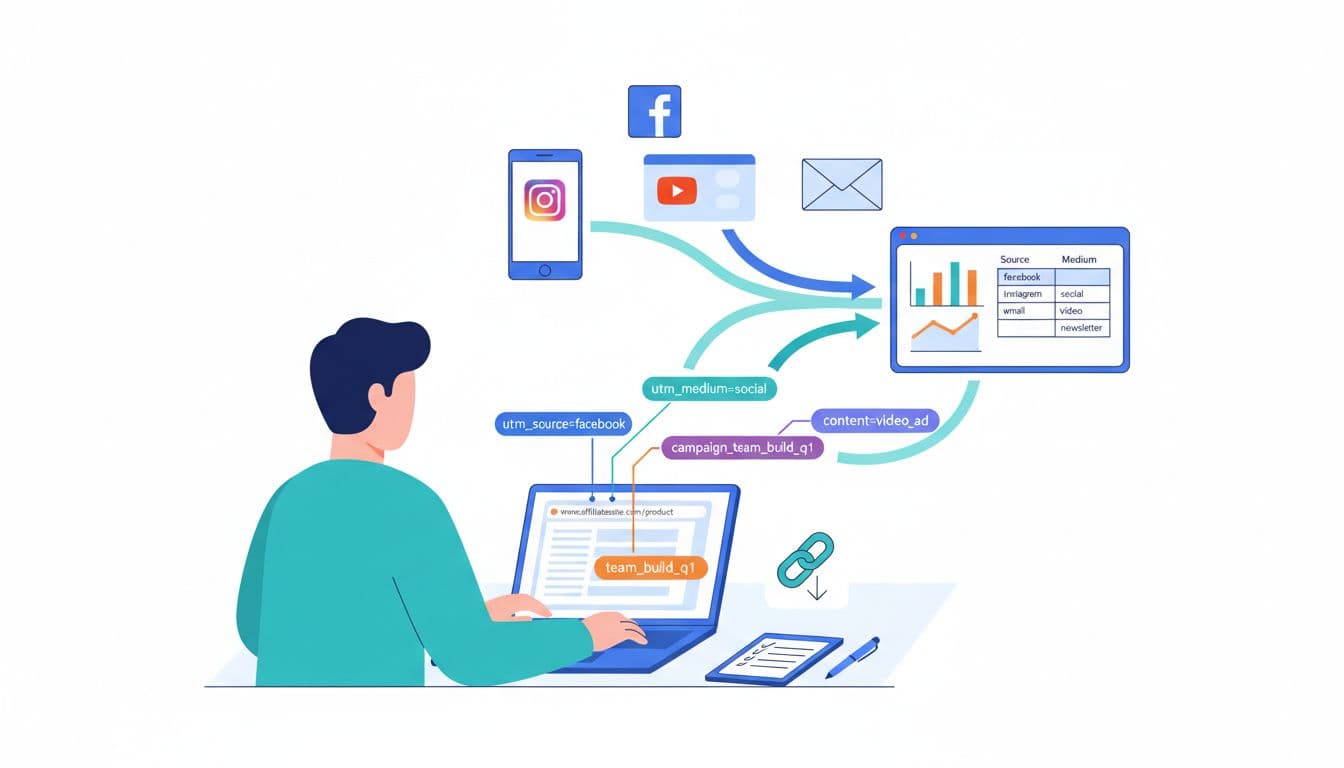
Most network marketers and affiliates post in more than one place: a couple social media platforms, email marketing, a bio link, maybe a YouTube video, and some DMs. Without UTMs, all that effort blends together in your Google Analytics 4 dashboard.
UTM parameters fix that by adding a few short parameters to the end of your link, such as:
utm_source(where the click came from)utm_medium(what type of traffic it was)utm_campaign(the big “bucket” you’re measuring)utm_content(the specific post, hook, or creative)utm_term(optional, often used for keywords or audience)
In an era where third-party cookies are becoming less reliable, UTM parameters provide reliable conversion tracking.
This is what “really working” looks like in practice:
- You stop guessing which platform deserves your time.
- You learn which angle or story gets clicks from cold traffic, enabling better A/B testing of different hooks.
- You can repeat wins and cut what’s not pulling its weight.
- You can build light Automation around proven links (like reusing the same tracked link in emails, follow-up sequences, QR codes, or a simple resource page).
If you’re running a team effort, UTMs also protect your data. With a consistent naming system, you can see patterns across a Team Build instead of drowning in random link labels.
If you’re building a funnel for a team rotator, for example, you can track which traffic sources produce real opt-ins before sending more people to your offer using these links as a tracking code (see: Join the GDI Team Rotator for automated team building).
A naming convention your future self will thank you for
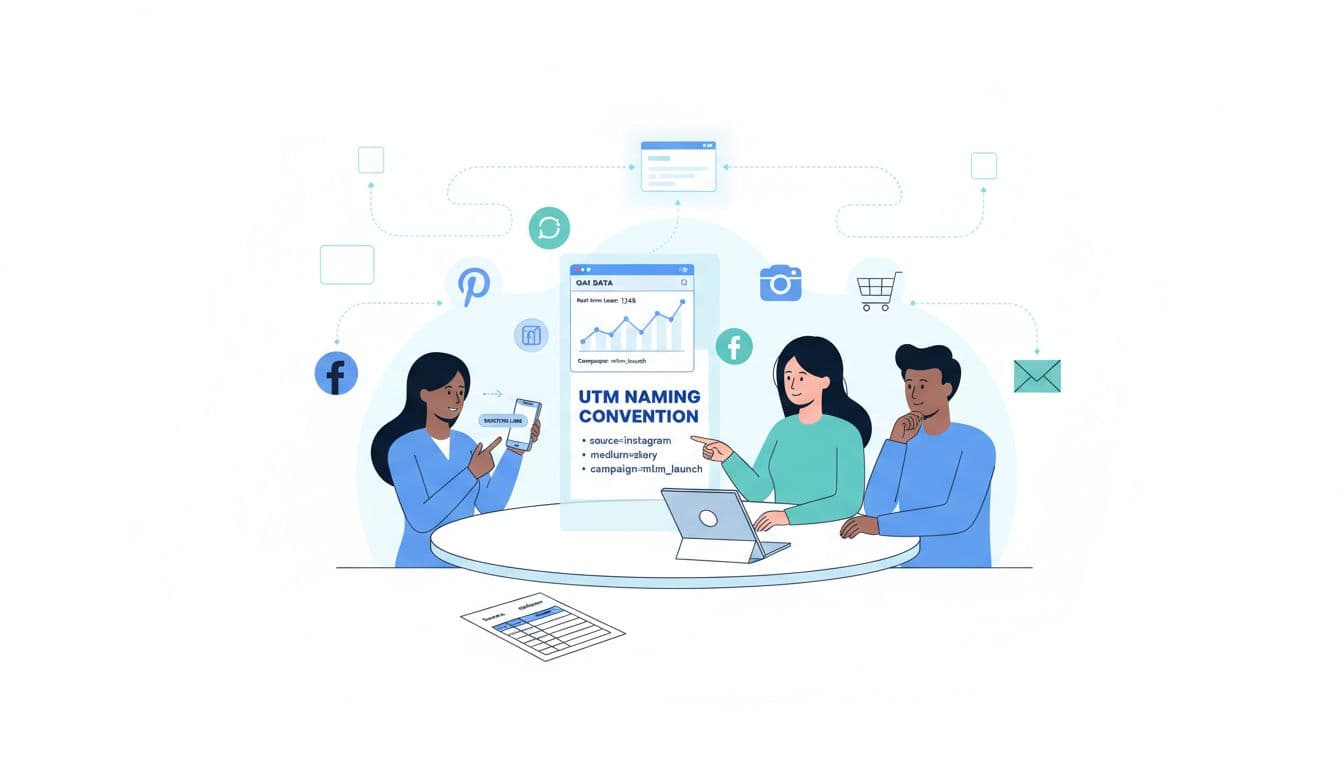
The biggest UTM mistake isn’t “doing it wrong”. It’s doing it inconsistently, without a reliable naming convention. One day you tag Facebook, the next day fb, then facebook_group, then FaceBook. In analytics, those are different sources, so your reporting turns messy.
Use a simple rule set:
- Use lowercase letters only
- Use underscores, not spaces (example:
team_build_q1) - Pick one word for each platform (example: always
instagram, neverig) - Don’t stuff everything into
utm_campaign, keep it clean
Simple team template (copy and share)
Use this exact pattern:
utm_source=[platform]&utm_medium=[format]&utm_campaign=[offer_or_funnel]&utm_content=[post_or_angle]
Use a URL builder tool to ensure accuracy when assembling these links.
Examples of allowed values:
- source:
facebook,instagram,youtube,email,blog,pinterest - medium:
social,story,reel,video,cpc,email,referral - campaign:
gdi_rotator,save_club,bridge_page,webinar - content:
hook_1,testimonial,how_to,short_01
Mini UTM cheat sheet
These URL parameters break down your traffic:
| UTM field | What it tells you | Example value |
|---|---|---|
| utm_source | Which platform sent the click | instagram |
| utm_medium | What type of traffic it was | story |
| utm_campaign | The campaign or offer bucket | gdi_rotator |
| utm_content | The specific post or creative | testimonial_clip |
| utm_term | Optional extra detail (keyword/audience) | work_from_home |
Want a deeper explanation of how GA4 reads UTMs? This guide to UTM parameters in GA4 breaks it down clearly.
Step-by-step: build UTM links, test them, then read results in GA4
Here’s a repeatable routine you can use every time you share a link.
1) Start with your clean destination URL
Example: https://yoursite.com/bridge-page
(Use your bridge page, capture page, or product page. Keep it consistent.)
2) Add UTMs using your template
Network marketing example (Instagram Story to a bridge page):
https://yoursite.com/bridge-page?utm_source=instagram&utm_medium=story&utm_campaign=team_build_q1&utm_content=story_intro
Affiliate example (blog review link from your email list):
https://yoursite.com/review-product?utm_source=email&utm_medium=newsletter&utm_campaign=product_a_review&utm_content=email_issue_12
Paid search example (Google Ads to product page):
https://yoursite.com/product?utm_source=google&utm_medium=cpc&utm_campaign=paid_search_q1&utm_content=ad_copy1
You can also track multiple platforms without changing your offer:
- YouTube description:
utm_source=youtube&utm_medium=video&utm_campaign=bridge_page&utm_content=video_desc - Facebook group post:
utm_source=facebook&utm_medium=social&utm_campaign=bridge_page&utm_content=group_post_3 - QR code for a flyer:
utm_source=offline&utm_medium=qr&utm_campaign=local_event&utm_content=flyer_v1
3) Shorten only after tagging (optional)
Use link shortening only after adding your UTM parameters. A link shortener is fine, but perform link shortening on the final UTM link so the tracking code stays attached.
4) Click-test in an incognito window
Make sure the page loads, and you didn’t break the link with a missing ? or &.
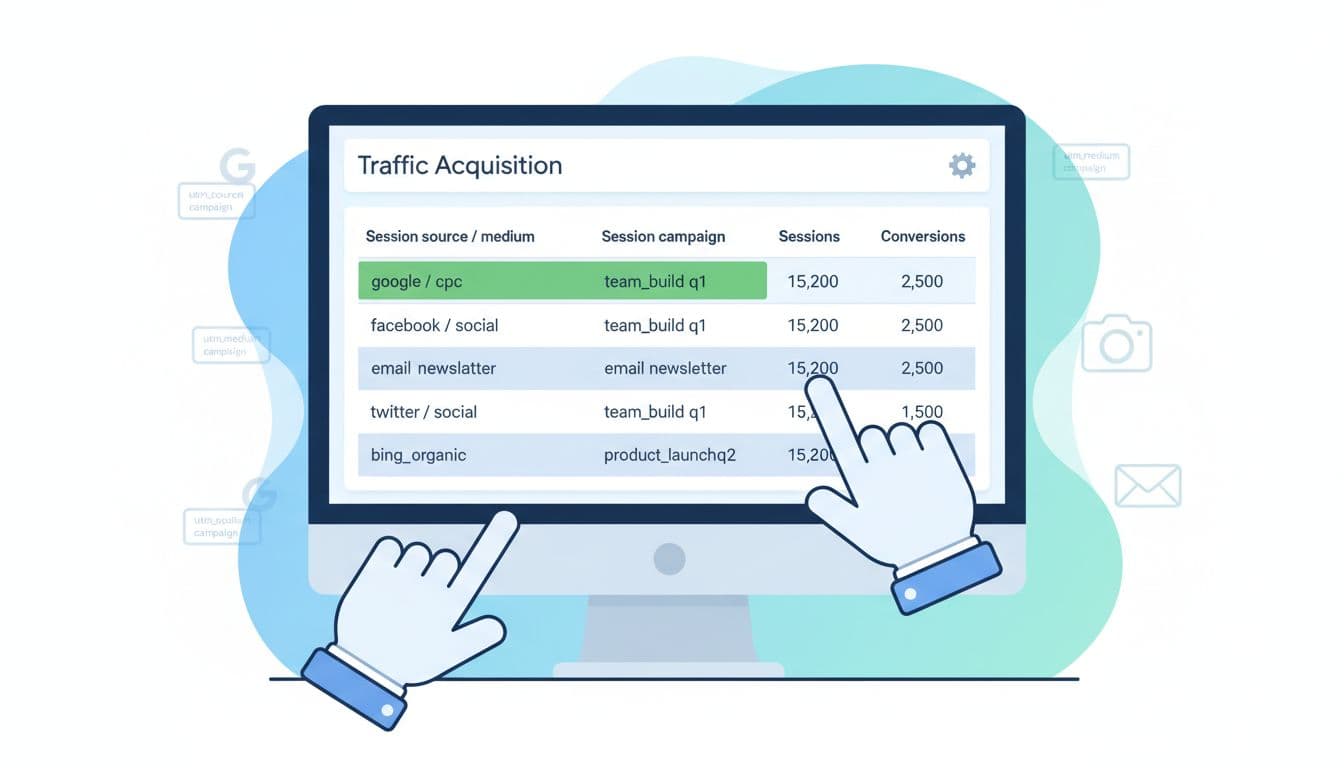
5) Find the UTM data in GA4
In Google Analytics 4, go to Reports, Acquisition, Traffic acquisition. Google Analytics 4 uses these UTM parameters to determine the channel grouping of your visitors. Look for:
- Session source/medium
- Session campaign
That’s where you’ll start seeing instagram / story or email / newsletter, tied to your campaign name.
If you do affiliate promotions and want to track outbound clicks too, this tutorial on tracking affiliate links with GA4 is a solid walkthrough.
6) Keep team UTMs consistent (so results are usable)
If you have a downline or a partner group, create one shared “UTM dictionary” in a doc:
- Approved source list (facebook, instagram, email, youtube)
- Approved medium list (social, story, reel, video, email)
- Campaign names you’re running this month
This small habit makes your reporting clean. It also makes coaching easier because everyone is looking at the same labels (and you can tie campaigns back to a bigger plan like Easy online income with GDI Team Build). Plus, it helps track affiliate revenue across different members.
Compliance notes (don’t skip this part)
- Don’t misrepresent sources. If it came from Instagram, tag it
utm_source=instagram, notgoogle. - Keep affiliate disclosures. UTMs don’t replace disclosure rules, they just help tracking. UTMs should not be used on internal links within your own website to avoid resetting session data. If you need a refresher on the tracking side, this article on affiliate tracking in Google Analytics includes helpful context.
Conclusion: clarity beats hustle, every time
UTMs aren’t busywork. UTM tracking is essential for revenue attribution and calculating your true ROI, turning random posting into a repeatable system, with proof behind every next step.
Start simple: pick one offer, pick two platforms, and use one naming template for 30 days. Then open GA4 and let the data tell you what to double down on. Once you master the basics, explore dynamic UTMs for more advanced automation. If you want a system built around simple tracking and steady growth, pair this with a structured funnel like the GDI Rotator: automated team-building tutorial. Using UTM parameters is the foundation of making data-driven decisions for any affiliate marketing business, so keep improving one link at a time.