


(Honest LeadsLeap review) If you’re trying to build a side hustle online, you usually hit the same wall fast: you need traffic, you need a way to collect emails, and you need simple pages that don’t cost a fortune.
LeadsLeap has been around since 2008, and it’s known for sending real human traffic while also giving you a surprising number of tools at no cost. In this post, you’ll see what you actually get, how it fits into a simple routine, and when paying for Pro makes sense.
It can feel like a lot the first time you log in, but the built-in step-by-step help makes it easier to move one piece at a time. This is one of the few places where “Free Marketing Tools” doesn’t just mean a stripped-down demo.
A clear look at LeadsLeap and what you get for free

LeadsLeap is basically “one account, many basics,” built for people who need momentum without buying five separate subscriptions. The free membership isn’t a teaser. You can log in and start building right away.
Here’s what the free side is designed to help you do (in plain English):
- Get visitors through the internal traffic system.
- Collect emails with an autoresponder and multiple lists.
- Build simple pages (landing pages, opt-in pages) with hosting included.
- Add popups to capture leads without extra software.
- Track links and rotate offers so you can see what’s working.
The practical win is this: you can run a basic lead-gen system even if you don’t have a website or paid hosting yet. Pages and popups are hosted for you, which removes a big early hurdle.
The traffic side, how the network can send visitors to your links
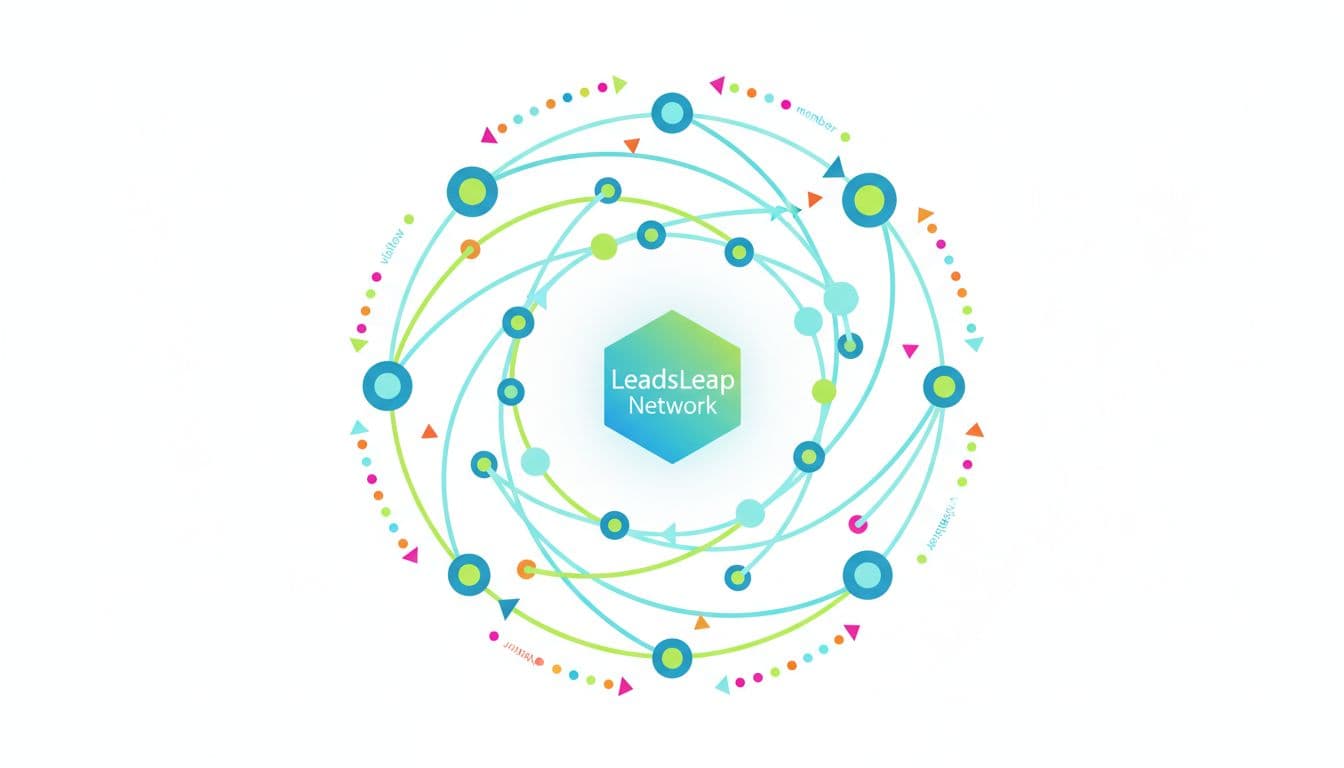
LeadsLeap includes a traffic system where members earn exposure by participating (often by viewing ads and earning credits). Your links can be shown inside the network, which is useful when you’re new and your blog or social accounts are still quiet.
In 2022, LeadsLeap added a Traffic Coop concept. In simple terms, it can extend your ad exposure beyond just LeadsLeap, because your ads may also be shown across other traffic networks that are part of the coop. That wider reach is helpful when you’re trying to get initial clicks and test your pages.
One caution that keeps expectations realistic: traffic alone doesn’t fix a weak offer. If your page is confusing, or your “next step” isn’t clear, visitors will bounce. Think of traffic like turning on a faucet. If your bucket has holes, you still end up empty.
The tool stack that helps you collect leads and follow up
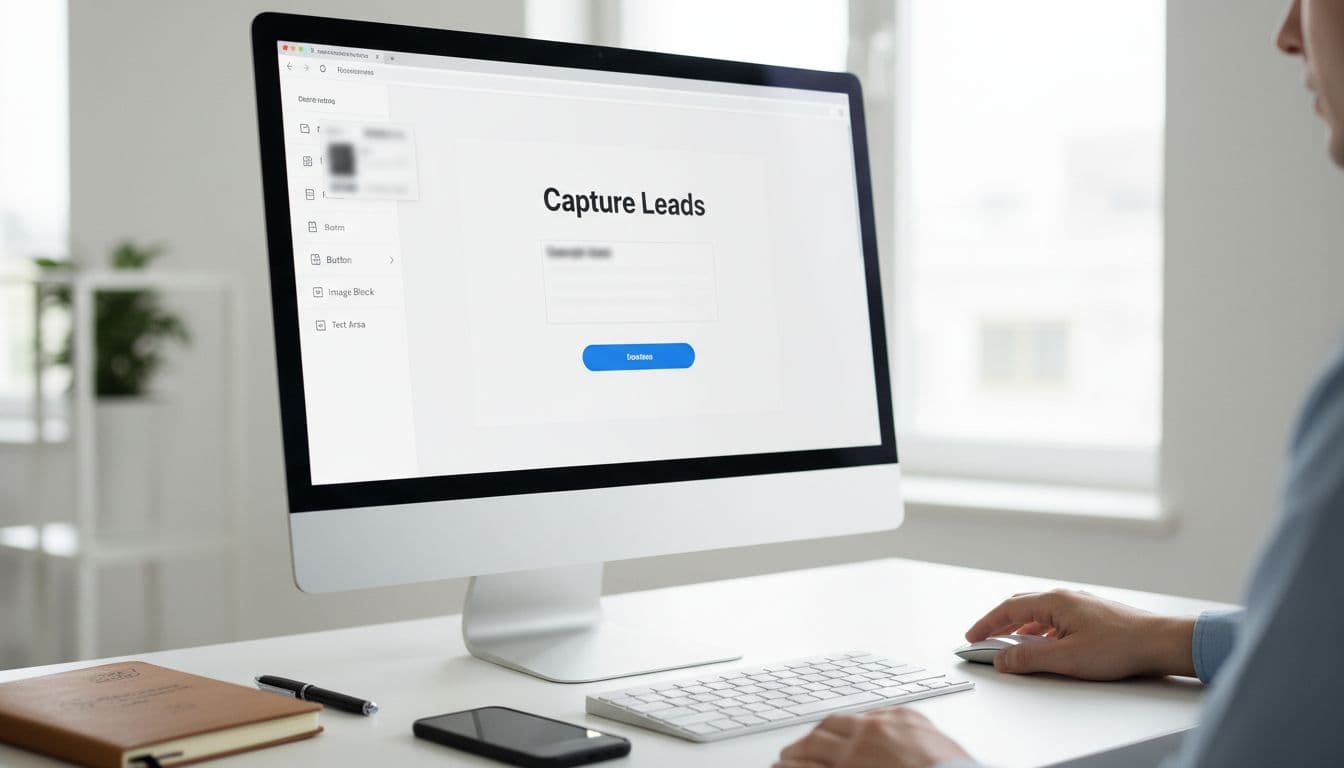
LeadsLeap’s email tool started as a free autoresponder (added in 2017) and later grew into a more complete list manager (often referred to as Sendsteed List Manager). For a side hustler, the main point is simple: you can collect emails and send follow-ups without paying for a separate email platform on day one.
The Popup Form Creator has been around since 2014, and the Page Builder arrived in 2020. Together, those two let you build a basic “opt-in page plus thank-you page” setup quickly.
LeadsLeap has also continued improving the Page Builder. Recent updates in early 2026 focused on making page design faster and easier, with upgrades like a more unified color picker and smoother editing tools. If you’ve tried older “free” builders that feel clunky, this matters because speed reduces procrastination.
A simple use case looks like this: create a squeeze page, connect the form to a list, write a short welcome email, and you’ve got a working system that runs while you’re at work or asleep.
What makes LeadsLeap different from other all in one platforms
A lot of “all-in-one” platforms sound good until the bill hits, or until you realize you’ll lose access to your own list if you stop paying. LeadsLeap stands out because so many features are available free, so you can learn slowly without feeling trapped.
It also has a long track record. Since it launched in 2008, it has kept adding tools rather than disappearing after a hype cycle. Another trust signal is support. LeadsLeap says the founder answers support tickets personally, which can be a big deal when you’re stuck on a setup step and don’t want a runaround.
Here’s a quick snapshot of the kind of scale LeadsLeap reports (shared as general social proof, not a promise of results):
- 170,000 plus members
- 56 million plus real visitors sent
- 80,000 plus app users
None of that replaces good marketing, but it does suggest you’re not joining a ghost town. If you want a deeper explanation of how these systems work without hype, it helps to approach it like a gym membership: access is there, results come from showing up and doing the simple reps.
Real tracking that helps you see what is working
LeadsLeap introduced the Real Tracker in 2015. The big idea is that it’s not only counting clicks. It can also track engagement time on third-party links and help identify real human visits.
That gives you better decisions. For example, if two traffic sources send the same number of clicks, but one source has visitors staying longer, that second source is often worth more. Or if a page gets clicks but almost no time on page, it’s a hint your headline or layout is missing the mark.
This kind of tracking keeps you from chasing vanity stats. You stop guessing, and you start tightening what already works.
Training that stays on the screen while you build
In 2021, LeadsLeap added a Side-By-Side tutorial system. Instead of bouncing between a help article and your dashboard, the steps can show right next to the area you’re working in.
That matters because beginners don’t usually quit from laziness. They quit from confusion. On-screen guidance makes it easier to finish one small setup in a single sitting, which builds confidence fast.
Using LeadsLeap with your current side hustle or home business
LeadsLeap works best when you plug it into what you’re already doing, not when you try to rebuild your whole life around it. If you’re promoting affiliate offers, a network marketing program, a local service, or even a simple digital product, the flow is the same: get attention, capture a lead, follow up.
A steady workflow could look like this in real life: you pick one offer you can explain in two sentences, create one capture page, and send new leads to one email list. Then you track every link you share so you’re not guessing where sign-ups come from.
If you lead a team, LeadsLeap also has Share Codes (introduced in 2020). That lets you share a funnel setup so new people can copy it instead of building from scratch. It’s like handing someone a recipe instead of describing dinner from memory.
The honest part: tools don’t replace consistency. They remove friction. You still need a clear message and a simple routine you can repeat.
A simple starter setup you can finish in one afternoon
Pick one goal for your first day, not five. Choose one offer, then build one capture page in the Page Builder with one clear call-to-action (name and email).
After that, connect the form to a list, write a short welcome email that sets expectations (what they’ll receive and when), and add your main link to the tracker before you share it anywhere. If you want an extra boost, add a popup on your page, but keep it polite and simple.
Think “one page, one goal, one follow-up.” That’s how you avoid the overwhelm loop.
When it makes sense to consider Pro, and when it does not
LeadsLeap’s Pro plan is optional and runs $27 per month. Pro members can have ads shown 24/7 without credits, get higher limits, and unlock advanced features like email series.
In 2024, LeadsLeap added a PDF Link Rebrander, which lets Pro members create rebrandable PDFs that can promote a program. That’s useful if you teach a team and want shareable PDFs where your links are already built in.
Pro makes sense when you’re already getting opt-ins and want more consistent ad exposure, you’re hitting free limits, or you know you’ll use the advanced tools. If you’re still unsure what you’re promoting, start free, learn the system, and upgrade only when you have a clear reason.
Leads Leap link and the next best step if you want to try it
If you want to test it for yourself, here’s the link: https://leadsleap.com
After you join, keep it simple. Confirm your email, then pick one focus (traffic, list building, or tracking). Open the built-in tutorials and complete one small project, like building a single opt-in page and tracking one link. Small wins stack up fast when you stop switching tools every week.
Conclusion
LeadsLeap fits best for beginners who need a low-cost place to start, marketers who want all the basics in one login, and team leaders who like shareable setups. The free plan is a strong starting point because you can build pages, collect leads, and track results without paying upfront. Start with one page and one list, then use tracking to improve what you already have. Test it for yourself, and focus on one tool at a time.