

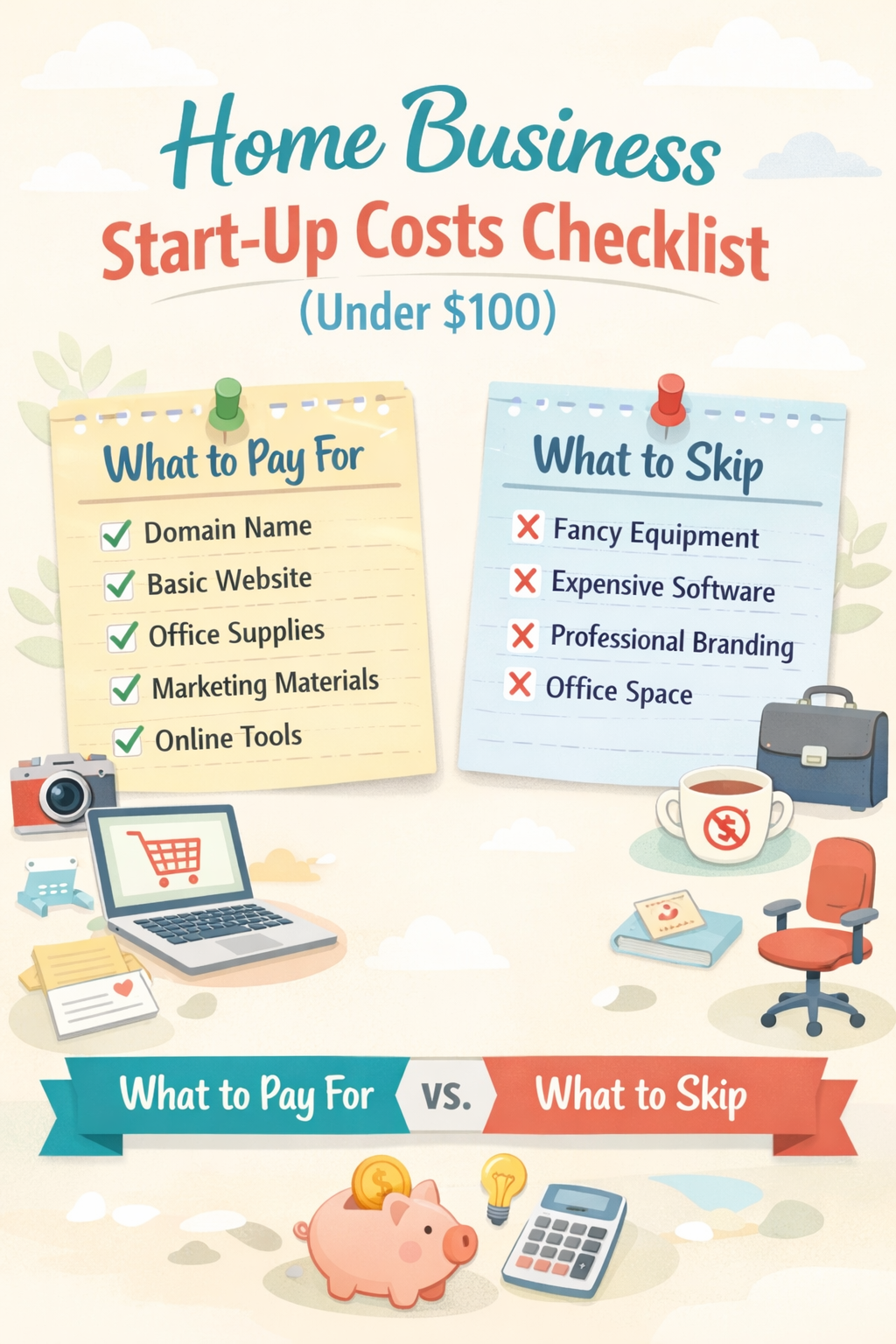
Starting a home business startup costs plan doesn’t need a big budget. It needs a clear one. Think of your first $100 like packing a carry-on bag, if it doesn’t help you travel farther (or faster), it stays home.
If your goal is to Make Money Online with a Home Based Business, the fastest path is usually the simplest: one offer, one way to collect leads, one routine you can repeat.
This checklist keeps you focused on what helps you start, sell, and stay consistent, without buying “busywork.”
The $100 rule: pay for friction removal, skip the rest
A good early purchase does one of three things:
- Builds trust (a clean web address, a professional email, a simple way to pay you).
- Removes friction (you can publish, follow up, and track tasks easily).
- Protects your time (one tool replacing three messy workarounds).
Everything else is optional until you have proof you’ll use it weekly.
Under-$100 budget breakdown (pick one path)
This table gives you a realistic “starter stack” under $100. Prices vary by provider and promos, so treat these as normal ranges, not exact quotes.
| Item | Typical Cost (2026) | What to Choose | Why It’s Worth It |
|---|---|---|---|
| Domain name (1 year) | $10 to $20 | A simple .com if possible | Looks legit on email, links, and profiles |
| Basic website option | $0 to $10 for month 1 | 1-page site (free) or low-cost starter hosting | You need one home base for your offer and contact info |
| Business email | $0 to $8 per month | Free email forwarding or entry-level email inbox | Trust goes up when you don’t use a random personal address |
| Simple logo and graphics | $0 | Canva free | Clean visuals without paying a designer yet |
| Email list tool | $0 | Brevo or Mailchimp free tier | Start collecting leads from day one |
| Payments | $0 setup | Stripe (fees per sale) | You can get paid without monthly costs |
| “Just-in-case” buffer | $10 to $20 | Reserved | Covers small surprises like a plugin or domain privacy |
| Estimated total | $30 to $96 | Stays under $100 with smart choices |
If you want examples of businesses that can start near $0 (and how people keep costs low early), skim this overview from Business.com: https://www.business.com/articles/how-to-start-a-business-with-no-money-or-pretty-close/
What you should pay for first (and what it replaces)
1) A domain name (your digital street address)
A domain is one of the few early expenses that actually helps you everywhere: profiles, email, business cards, and links.
Keep it simple. Your name, your niche, or a short brand phrase.
2) One “home base” page
You don’t need a 12-page website on day one. You need a page that answers:
- What do you help with?
- Who is it for?
- What should someone do next?
You can start with a free one-page site builder, then move to WordPress later when you have content and traction.
3) Email list from the start (even for a Side Hustle)
Social platforms change rules. Your list is something you control.
A simple plan:
- One freebie (checklist, template, short guide).
- One opt-in form.
- One welcome email that points to your offer.
4) A simple workflow tool (so you don’t “wing it”)
You’re not failing because you need motivation, you’re scattered because you need a system.
Use a free tool like Notion or Trello and track:
- Today’s outreach
- Content ideas
- Leads to follow up
- Sales made
If you like browsing options, this roundup of free collaboration tools can help you compare: https://thedigitalprojectmanager.com/tools/free-collaboration-tools/
5) A small, deliberate credibility boost (optional)
This is not required, but it’s often a good use of $10 to $20:
- A simple backdrop light, or
- A basic mic clip, or
- A clean notebook and pen system for tracking calls and follow-ups
Buy something you’ll use weekly, not something that looks fancy.
When “business setup” costs are real (permits, taxes, structure)
This part depends on what you sell and where you live. Some Home Based Business types need a local permit, resale certificate, or zoning approval. Others don’t.
Also, an LLC is not automatically required. Many people start as a sole proprietor and switch later when income is consistent. For a plain-English breakdown of LLC vs sole proprietorship tradeoffs, see: https://www.nerdwallet.com/business/legal/learn/llc-vs-sole-proprietorship
For your next step, check your city and state websites for home occupation rules, and look up tax basics for your country (don’t guess here).
Pay-for vs skip (so you don’t burn cash)
Use this table as a guardrail. It’s built for beginners, affiliate marketers, and Multilevel Marketing teams who want to stay lean and still look professional.
| Category | Pay For (Now) | Skip (For Now) | Reason |
|---|---|---|---|
| Identity | Domain ($10 to $20 yearly) | Trademark filing | Domain gives you 80% of the benefit early |
| Online presence | One simple page | Full custom website build | A simple page is enough to start conversations |
| Marketing | Email list tool (free tier) | Paid CRM you won’t use | Your follow-up matters more than features |
| Design | Canva free | Paid logo package | A clean simple logo is fine at the start |
| Education | One targeted book or course (optional) | Big “guru” bundles | Buy only what solves today’s problem |
| Ads | Small test budget only after proof | “Boosted posts” out of boredom | Ads don’t fix an unclear offer |
| Legal setup | Fees only if required locally | Monthly legal subscription services | Don’t pay ongoing fees without a clear need |
If you want a broader “startup checklist” view to compare with yours, ZenBusiness has a solid general list (use it as a reference, not a shopping spree): https://zenbusiness.com/blog/startup-checklist
Starter kit under $100 (shopping list)
Keep this tight. You can start this week with:
- 1 domain name ($10 to $20)
- 1 basic web page (free or low-cost for month 1)
- 1 email list tool (free tier)
- Canva free (graphics, lead magnet, posts)
- Stripe (get paid, no monthly fee)
- Notebook or simple planner ($5 to $15), if paper keeps you consistent
That’s it. Everything else is “later” until you’re getting leads weekly.
Optional upgrades for month 2 to 3 (only after you’re consistent)
Once you’re posting, collecting leads, and following up, upgrades can make sense.
| Upgrade | Typical Cost (2026) | Add It When | What It Improves |
|---|---|---|---|
| Professional email inbox | $6 to $8 per month | You’re emailing daily | Trust and deliverability |
| Low-cost hosting for WordPress | $5 to $15 per month | You want blog content and SEO | Long-term traffic and control |
| Scheduler tool | $0 to $15 per month | You book calls weekly | Less back-and-forth messaging |
| Simple automation | $0 to $20 per month | You have steady opt-ins | Saves time on repetitive tasks |
| Better mic or light | $20 to $60 one-time | You record weekly | Clearer audio, better watch time |
Copy/paste checklist: home business start-up costs (under $100)
Paste this into Notes or Google Docs and check it off:
- Pick one offer (service, affiliate, product, or MLM offer)
- Choose one audience (who you help)
- Buy a domain name ($10 to $20)
- Set up a simple one-page home base (free or low-cost)
- Create a professional contact email (free or low-cost)
- Create one lead magnet (simple checklist or template)
- Set up an email opt-in form (free tier)
- Write one welcome email (short, friendly, clear next step)
- Add a payment method (Stripe or similar)
- Create a basic content routine (3 posts per week or 1 video per week)
- Set a follow-up routine (10 minutes per day)
- Track leads in a spreadsheet or free CRM
- Don’t buy extra tools for 30 days
- Review results weekly (leads, replies, sales)
Conclusion: keep your first $100 boring and effective
Most people don’t quit because the business is too hard, they quit because the setup gets expensive and messy. Your job is to keep it light, clear, and repeatable. Spend on trust and consistency, skip the shiny extras, and let results tell you what deserves the next dollar.